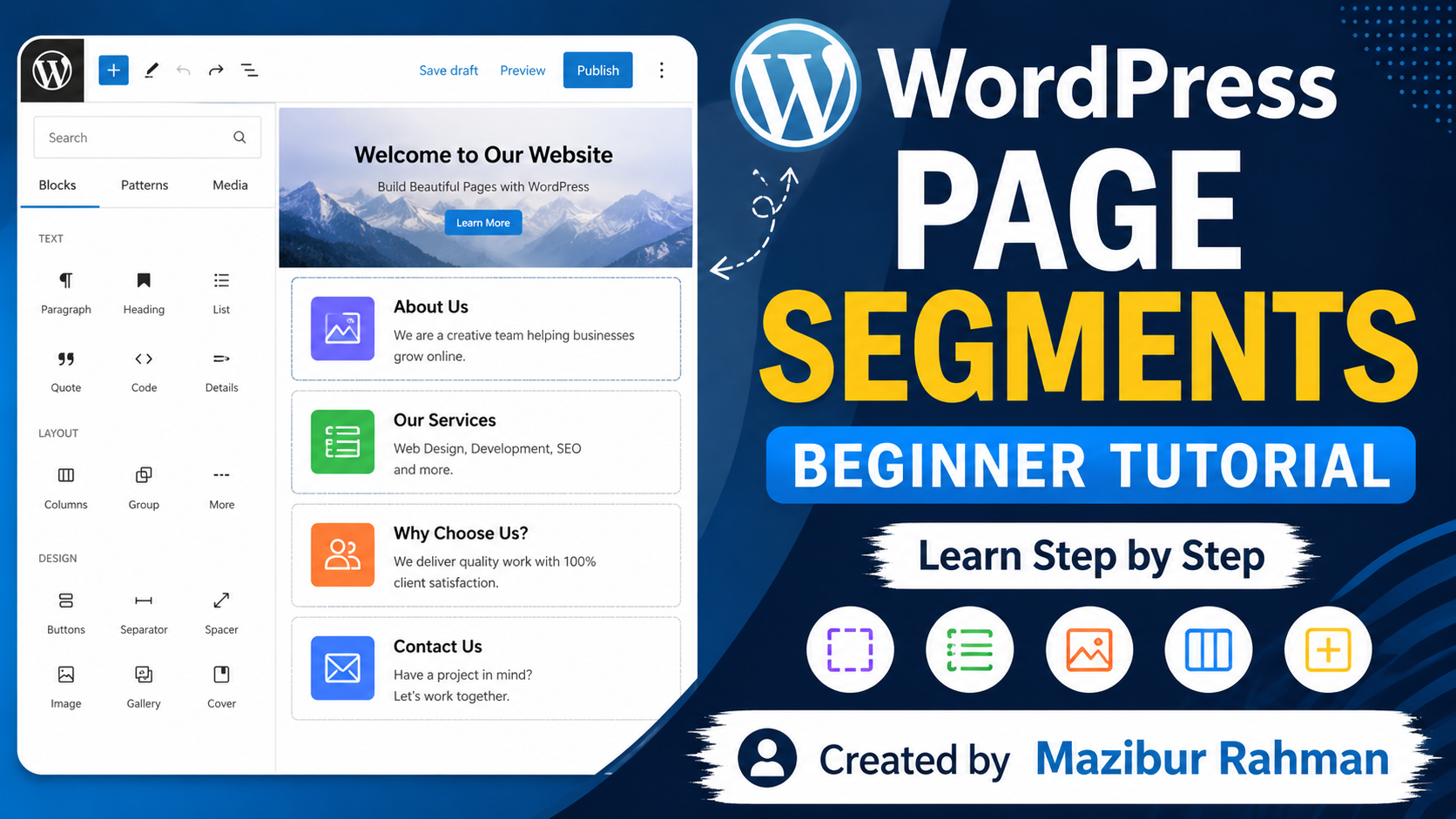
Complete Guide to Structuring a WordPress Page into Segments for 100% SEO-Friendly Content
Organizing a WordPress page into multiple sections or segments (such as Services, Features, Reviews, FAQs, etc.) not only improves readability but also enhances SEO performance. Below is a complete guideline for creating a well-structured and fully SEO-friendly page.
1. Choose the Right Page Builder and Theme
To create a fast-loading and SEO-friendly website without coding, use a lightweight and optimized theme along with a reliable page builder.
Recommended:
- WordPress Gutenberg Block Editor
- Elementor Page Builder
For themes, choose lightweight options such as Astra or GeneratePress for better performance and search engine optimization.
2. Use Proper HTML5 Tags and Heading Structure (H1–H6)
Search engines need to understand the structure of your page. Proper heading hierarchy plays a vital role in SEO.
- Use only one H1 tag for the main page title.
- Use H2 tags for each major section (e.g., Our Services, Customer Reviews, Frequently Asked Questions).
- Use H3 or H4 tags for subheadings within each section.
This helps both users and search engines understand your content more effectively.
3. Add a Table of Contents (TOC)
Include a Table of Contents at the beginning of your page.
Benefits include:
- Allows visitors to jump directly to specific sections using anchor links.
- Improves user experience (UX).
- Google may display these anchor links as “Jump to” links in search results, which can increase your click-through rate (CTR).
Recommended Plugins:
- LuckyWP Table of Contents
- Easy Table of Contents
4. Optimize Keyword Placement and Use LSI Keywords
Strategically place keywords throughout your content to improve search visibility.
- Include your primary keyword within the first 100 words of the introduction.
- Use the primary keyword naturally in section headings and paragraphs.
- Include relevant LSI (Latent Semantic Indexing) keywords throughout the content to improve topical relevance.
5. Optimize Images (Alt Text)
Images make your content more engaging, but they should also be SEO-friendly.
Best practices:
- Compress images and use modern formats such as WebP.
- Add descriptive Alt Text containing relevant keywords related to the section.
- Use meaningful file names before uploading images.
6. Add an FAQ Section with Schema Markup
Including a Frequently Asked Questions (FAQ) section near the end of the page can significantly improve SEO.
- Answer common questions related to your topic.
- Use the FAQ Block provided by Rank Math SEO or Yoast SEO.
This enables Google to display your FAQs as Rich Snippets in search results, increasing visibility and click-through rates.
7. Use Internal and External Links
Strengthen your page by linking to other relevant content.
- Add internal links to related posts or pages on your website to improve crawling and reduce bounce rate.
- When appropriate, include external links to trusted and authoritative websites for additional reference.
8. Optimize Meta Title and Meta Description
Write a compelling Meta Title and Meta Description that accurately summarize the page.
SEO plugins such as Rank Math SEO or Yoast SEO allow you to easily optimize these meta tags, helping improve your search engine rankings and click-through rates.
Conclusion
A well-structured WordPress page with properly organized sections, optimized headings, strategic keyword placement, image optimization, schema markup, and strong internal linking can significantly improve both user experience and search engine rankings.
If this guide has been helpful to you in any way, I would be truly delighted. Your feedback and suggestions are always welcome and greatly appreciated. Thank you for reading!

Leave a Comment